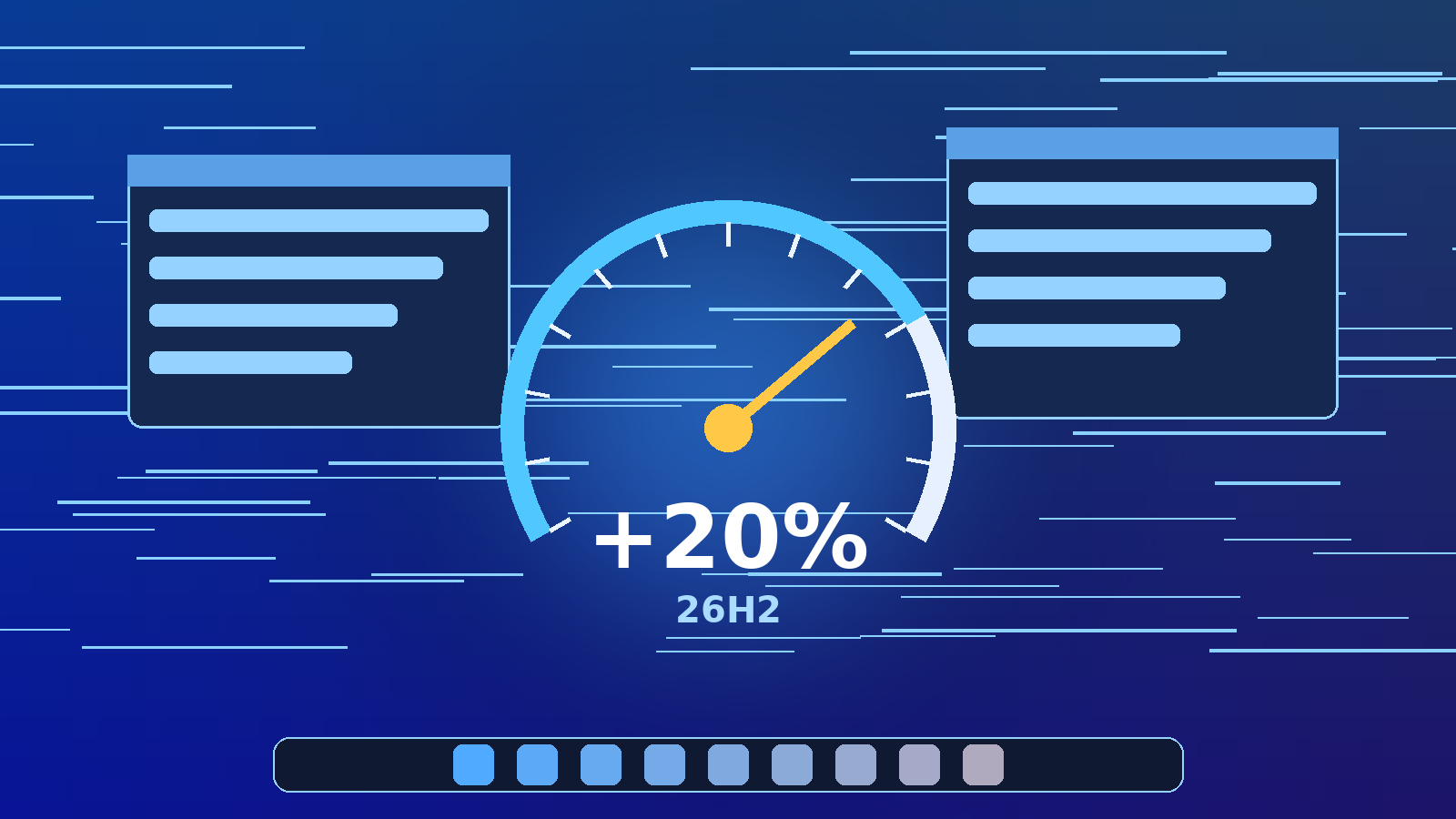
On Thursday, October 15, 2026, Microsoft announced that months of under-the-hood work on Windows 11 are now rolling out broadly, delivering what the company calls a Windows experience that is up to 20% more responsive across Start, File Explorer, Search, Settings, Snipping Tool, Microsoft 365 and Edge. The update leans heavily on smarter memory management, with PCs carrying just 8GB of RAM able to keep up to 2GB more active data in memory, and it arrives alongside a movable taskbar, a calmer Windows Update, faster Windows Hello sign-in and a rebuilt Photos app. For IT teams, the gains are tied to Windows 11, version 26H2, which reached general availability on September 29 and is now working its way onto fleets. Here’s what changed, what the numbers really measure, and what it means for the machines you manage.
The Announcement: Speed First
Writing on the Windows Experience Blog, Navjot Virk, Microsoft’s corporate vice president of Windows experiences, said improvements developed with the Windows Insider community “are now beginning to roll out broadly, with more to come.” The headline is responsiveness. As Virk put it, “A big part of that work is making smarter use of memory and system resources,” adding that Microsoft has “improved memory management and efficiency across Windows to help keep more of your PC’s resources focused on what you’re actively doing.”
The push follows the “commitment to Windows quality” Microsoft made in March, which How-To Geek notes already scaled back Copilot’s intrusive presence and promised a more customizable taskbar and less irritating updates. Thursday’s announcement is the next and biggest installment of that plan.
What Actually Changed Under the Hood
The performance work is the part techs will notice first, especially on budget and older hardware:
- Up to 20% faster responsiveness: Microsoft says the gain shows up from boot onward and across core shell surfaces and apps.
- Better behavior on 8GB PCs: Windows can now hold up to 2GB more of your active working set in RAM instead of paging it to slower storage.
- On-demand Widgets: On PCs with 8GB of memory or less, Widgets load only when opened, freeing more than 200MB of memory for real work.
- Smarter Windows Update: More user control over when updates happen, better coordination to reduce restarts, and less time spent applying updates.
- Taskbar freedom: The taskbar can finally be moved to the top or sides of the screen, alongside more Start personalization and quieter Widgets.
- Faster sign-in and pairing: Windows Hello face and fingerprint recognition are faster and more reliable, and Bluetooth audio pairing is improved, including AirPods pairing that is up to 15 seconds faster.
- Driver Quality Initiative: Microsoft says it is working with hardware partners to improve driver stability, reliability, security and performance.
It is worth reading the fine print. Microsoft’s 20% figure comes from response-time measurements of Search, Start, right-click, Settings, Snipping Tool and File Explorer on OS build 26300.9550 (version 26H2) compared with build 26200.7628 (version 25H2), and the company notes that actual performance varies by device, configuration and usage. In other words, it is a best-case benchmark, not a guarantee for every endpoint.
Coming Next: Search, Photos and Phone Integration
Several of the showier features are still in the Insider pipeline, so do not expect them on production machines just yet:
- New Windows Search: Rebuilt on WinUI 3 with inline actions, so typing “dark mode” or “night light” lets users flip the setting right from results, or arrange open windows. It is available to Insiders now and will “roll out more broadly later this year.” The Verge’s Tom Warren called it “one of the best new additions to Windows 11 this year.”
- New Photos app: A unified Gallery pulling from the PC, OneDrive and iCloud, a native Editor that loads 25% faster with HEIC and WebP editing, and a Viewer that opens photos up to 30% faster. It is rolling out to Insiders first, with all Windows 11 users getting it later this year.
- Phone-to-PC: Message previews in Start for Android and iPhone, resizable Android app windows, phone files in File Explorer, and Resume for picking up supported activities.
- Accessibility: Screen Tint color overlays, per-display Magnifier zoom, structured math reading in Narrator, and HID braille display support from the very first screen of Windows setup.
Why It Matters for IT Teams
For anyone managing a fleet, the most important detail is how this ships. Version 26H2 sits on the same shared servicing branch as 24H2 and 25H2, so eligible devices move up through a small enablement package that, according to Microsoft’s release health page, installs automatically when ready and completes with “a single restart.” Microsoft’s own servicing guidance says testing for the move from 25H2 should “focus on the new features, not a full complement of application and device compatibility tests or certifications.”
- Cheaper hardware gets a reprieve: The memory gains could stretch the useful life of 8GB laptops and desktops that struggle under heavy browser and Microsoft 365 workloads.
- 24H2 Home and Pro are done: Microsoft says the October 13 security update was the last one for those editions, so unmanaged small-business machines need to move up now.
- Longer runway: 26H2 is supported until October 10, 2028 for Home and Pro and October 9, 2029 for Enterprise and Education.
- Help desk prep: A movable taskbar, new Search and new Photos mean changed screenshots, updated documentation and a few “where did my button go?” tickets.
Known Issues to Watch Before You Roll Out
The rollout has not been perfectly smooth, and Microsoft’s 26H2 release health page lists several items admins should check before widening deployment rings:
- Azure Virtual Desktop black screens: Some AVD hosts using FSLogix showed a black screen after sign-in; this is resolved in the October 13 update, KB5127648 (build 26300.9711).
- Remote Desktop error 0xC000000D: Non-admin users may be unable to connect to hosts with Administrator protection enabled; the issue is currently mitigated, with a documented workaround of temporarily turning off Administrator protection through Intune or Group Policy.
- Legacy AC-3 audio apps: Applications requiring AC-3 decoding could close unexpectedly; resolved in KB5127648.
- USB Audio Class 1.0 devices: Some devices may show Code 10 or fail in multichannel modes; listed as mitigated.
- Pilot first: Install KB5127648 or later, then expand through your existing Intune, Windows Autopatch or WSUS rings rather than forcing the upgrade fleet-wide.
Looking Ahead
Microsoft is clearly betting that performance and polish, not just AI features, will win back Windows 11’s critics, and How-To Geek points out that the memory work is aimed squarely at the new wave of 8GB laptops and at competition from Apple’s MacBook Neo. If the real-world gains come anywhere close to the benchmarks, users on modest hardware should feel the difference without a single hardware upgrade.
The bigger changes, including the new Search and Photos experiences, are slated to reach everyone later this year, so expect another wave of user-facing changes before the holidays. For now, the smart move for IT pros is to pilot 26H2 with the latest cumulative update, keep an eye on the release health page, and get ahead of the documentation and training that a faster, rearrangeable Windows will inevitably require.
Sources:
- Microsoft Windows Experience Blog, October 15, 2026
- The Verge, October 15, 2026
- How-To Geek, October 15, 2026
- Microsoft Windows Experience Blog (Photos), October 15, 2026
- Microsoft Windows Insider Blog, October 7, 2026
- Microsoft Learn, Windows 11 Release Health, October 13, 2026
- Microsoft Support, KB5127648, October 13, 2026