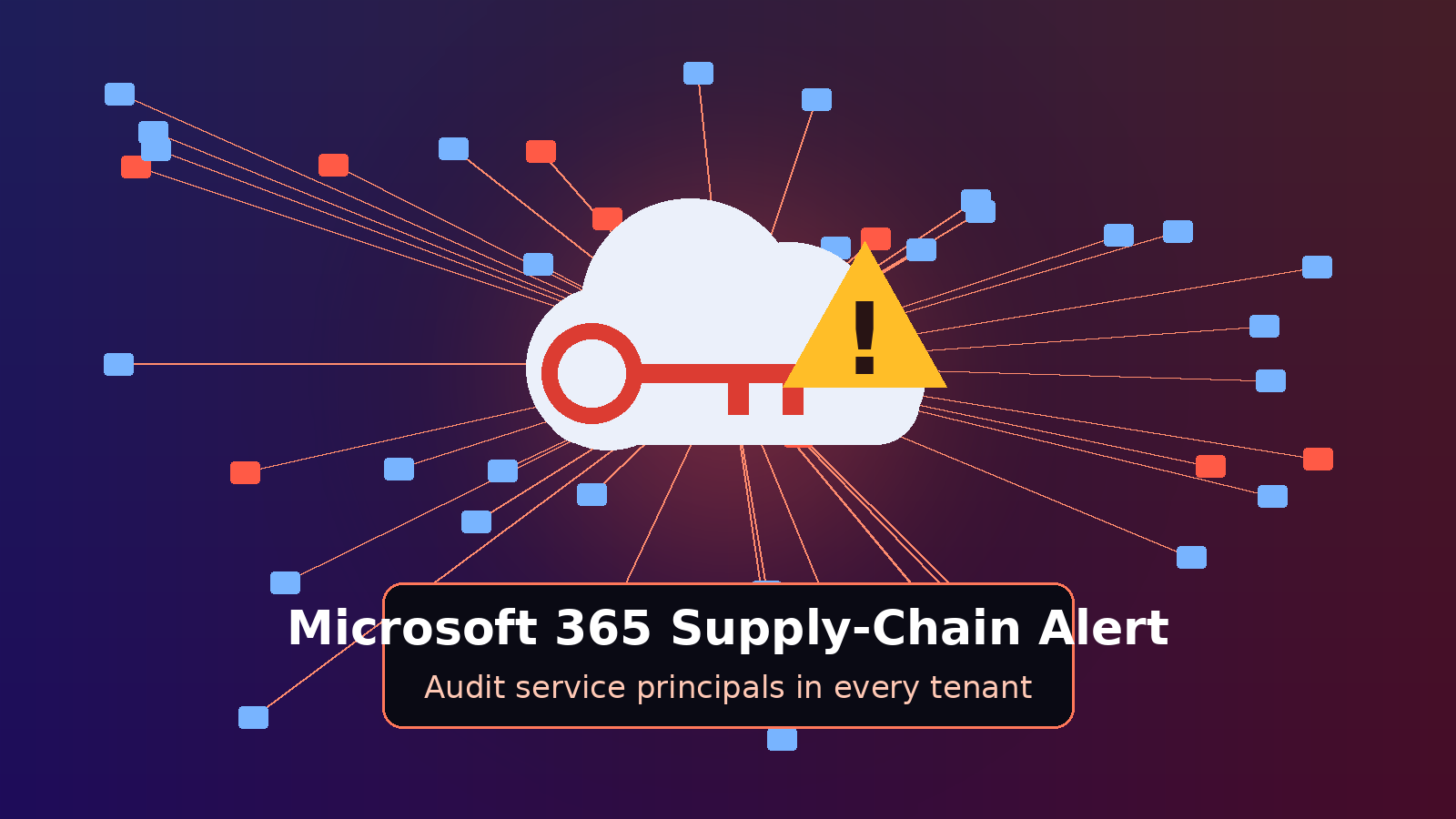
Since Friday, October 16, 2026, managed service providers have been scrambling after attackers got hold of a credential belonging to ConnectWise Cloud Backup, the Microsoft 365 backup service formerly sold as SkyKick, and used it to sign in to customer tenants as the trusted backup app itself. Huntress first confirmed unauthorized sign-ins in 162 tenants, a count The Hacker News later reported had climbed to 173, and Huntress’s latest update says it has seen sign-in activity from the attacker’s address in almost 1,000 Entra tenants, with more than 300 of those sign-ins succeeding. Microsoft Threat Intelligence calls it an “active supply chain attack,” and ConnectWise has suspended Cloud Backup, SaaS Security and Cloud Management while it investigates, leaving partners without scheduled backups or restores. Here’s what happened, why it matters, and what every tech managing Microsoft 365 tenants should check today.
The Breach: A Backup App Turned Against Its Customers
ConnectWise Cloud Backup protects MSP clients’ Microsoft 365 and Google Workspace data, and to do that job its app is consented into each tenant with broad access to mailboxes, OneDrive, SharePoint, Teams and directory data. According to Huntress, the app’s identity signed in to customer tenants on October 15 between 06:13 and 08:34 UTC from 144.172.64[.]128, a hosting provider address, and collected Microsoft Graph access tokens. Legitimate traffic from the app normally comes from Azure private IPv6 space.
As Huntress researcher Jonathan Semon put it, “The app’s credential is in hostile hands.” He added that the actor “moved through tenants in sorted GUID order, a few seconds apart, which points to a script working from a target list.” Microsoft said in a post on X that the attacker “compromised the trusted OAuth App” of ConnectWise Cloud Backup “to obtain access tokens across customer tenants,” likely abusing permissions customers had already granted, including the highly privileged Directory.ReadWrite.All.
ConnectWise acknowledged the incident on October 16, shut off Cloud Backup application access at 05:01 UTC on October 17, and disabled seven of its application identities at 07:00 UTC that day. The company says it has no evidence its encrypted backup archives were accessed, but it also says it cannot see into partner and customer tenants, so it cannot tell whether any individual Microsoft 365 environment was touched.
How the Attack Worked
This was not a phishing campaign or a password guess against a user. The attacker authenticated with the vendor app’s own credential, which Huntress describes as a client assertion that lives in the vendor’s tenant, so nothing a customer did could have produced it. Researchers have pieced together several phases:
- Groundwork: On October 13 and 14, Huntress saw the same IP address password-spray four law firm tenants with scripted token requests using the user agent curl/7.88.1, without any successful user sign-ins.
- Self-granted roles: Starting around 01:58 UTC on October 15, ConnectWise Cloud Management service principals in roughly 50 Huntress-monitored tenants assigned themselves directory roles, mostly Exchange Administrator.
- Persistence in about five minutes: In one tenant, the Cloud Management – MS Teams app made itself Global Administrator, then a Python script added new client secrets, set to expire in 2028, to an MSP management tool and to Huntress’s own security app.
- Bulk token grabs: Hours later, the backup app authenticated from the attacker’s IP across tenants in rapid succession, collecting Graph tokens with whatever permissions each tenant had granted.
Todyl’s head of detection engineering, Nicholas Koken, told The Hacker News that the inherited consent “permits read/write access to mail and attachments,” plus OneDrive and SharePoint files and Teams chats. In the nine tenants Todyl analyzed, it found only sign-in activity, with no new accounts, permissions or persistence created through the backup app.
Why It Matters for MSPs and IT Teams
Backup tools need to read everything to back it up and write everything to restore it, which makes them some of the most powerful identities in any tenant.
- MFA does not help here: App-only sign-ins involve no user, no device and no MFA prompt, and revoking user sessions does not end application access.
- Disabling is not the same as cleaning up: Shutting off the app stops new tokens, but Todyl notes already-issued tokens can stay valid for up to 90 minutes, and any secrets an attacker planted on other apps survive until someone removes them.
- One foothold can fan out: Huntress warns that a credential added to an MSP management app can reach beyond one tenant, because those tools are often consented into the MSP’s customer tenants.
- Logging gaps are real: Directory reads through Microsoft Graph leave no audit trail, so “nothing visible taken” is not the same as “nothing taken.”
- A backup gap is opening: With scheduled backups, archive access and restores offline and no restoration date announced, clients protected only by Cloud Backup are accumulating days without fresh recovery points.
What to Check in Every Tenant Right Now
ConnectWise, Huntress and Microsoft all point techs at the same core checks. Work through your own MSP tenant first, then every customer tenant, including ones with old or dormant SkyKick connections:
- Disable, don’t delete: In the Entra admin center, find each affected app under Enterprise applications by Application ID, starting with Cloud Backup 506e08f9-6e9a-4da4-942b-a099a03644ae and Cloud Management – MS Teams 24205314-2b89-4e07-a2a4-579e898a5640, and set “Enabled for users to sign-in” to No. Deleting removes the consent and destroys evidence.
- Check all seven app IDs: ConnectWise also lists Cloud Management, Exchange Online, MS Graph, Partner Center and SharePoint Online identities. Older tenants may show them as SkyKick Cloud Manager, so match on Application ID, not display name.
- Hunt in the right tab: Under Sign-in logs, open Service principal sign-ins, not the default user tab, and look for 144.172.64[.]128 plus the newer indicators ConnectWise added, 144.172.64[.]99 and 144.172.64[.]60.
- Audit credentials everywhere: Review client secrets, certificates and federated credentials on all enterprise apps and app registrations, especially management and security tools, for anything added since October 13.
- Review roles and consent: Look for apps holding Global Administrator, Privileged Role Administrator, Exchange Administrator and similar roles, plus unexpected owners or consent grants, and remove anything unauthorized after preserving evidence.
- Check mail and policy tampering: Search Purview audit for new inbox and transport rules, mailbox permission changes and forwarding, and review recent Conditional Access and named-location changes.
- Preserve logs fast: ConnectWise notes Entra keeps sign-in and audit history for just 7 days on the Free tier and 30 days on P1/P2, so export now. Do not re-enable any ConnectWise app until the vendor confirms credentials are reset.
Hardening Lessons Beyond This Incident
Huntress highlights several Entra controls that make a stolen app credential harder to abuse. Application management policies can restrict or block client secrets and cap credential lifetimes. Keeping the Application Administrator and Cloud Application Administrator roles tightly held limits who can add credentials to apps. Microsoft Graph activity logs and Entra ID Protection add visibility into what service principals are doing. None of these replaces a hands-on credential review, but together they shrink the blast radius next time.
Looking Ahead
As of its update early Monday, October 19, ConnectWise said containment measures remain in place, it has not seen successful threat activity since its mitigations, and it still has no confirmed restoration time. The company has not explained how the credential was exposed and says whether a product vulnerability played a role “has not been established.” Partners should expect reconnection or reauthorization steps before backups resume, and should plan for interim backup coverage for critical clients in the meantime.
The bigger story is the trust MSPs place in vendor apps that sit in hundreds of tenants with sweeping permissions. Coming on the heels of other supply-chain scares this year, the SkyKick incident is a strong argument for treating every third-party service principal like a privileged admin account: inventory it, limit it, log it and review its credentials regularly. The techs who build that habit now will be the ones who sleep better the next time a vendor credential goes missing.
Sources:
- ConnectWise Trust Center, October 19, 2026
- Huntress, October 16, 2026 (updated October 17, 2026)
- BleepingComputer, October 17, 2026 (updated October 18, 2026)
- The Hacker News, October 17, 2026
- Decipher, October 18, 2026